

NodeJSScan is a free, open-source SAST tool built for Node.js applications. With over 2,600 GitHub stars, it provides a web interface for manual analysis and a CLI tool (njsscan) for CI/CD pipelines.
Created by Ajin Abraham (who also maintains MobSF), NodeJSScan uses semantic grep patterns powered by semgrep and libsast to detect security vulnerabilities with context awareness.
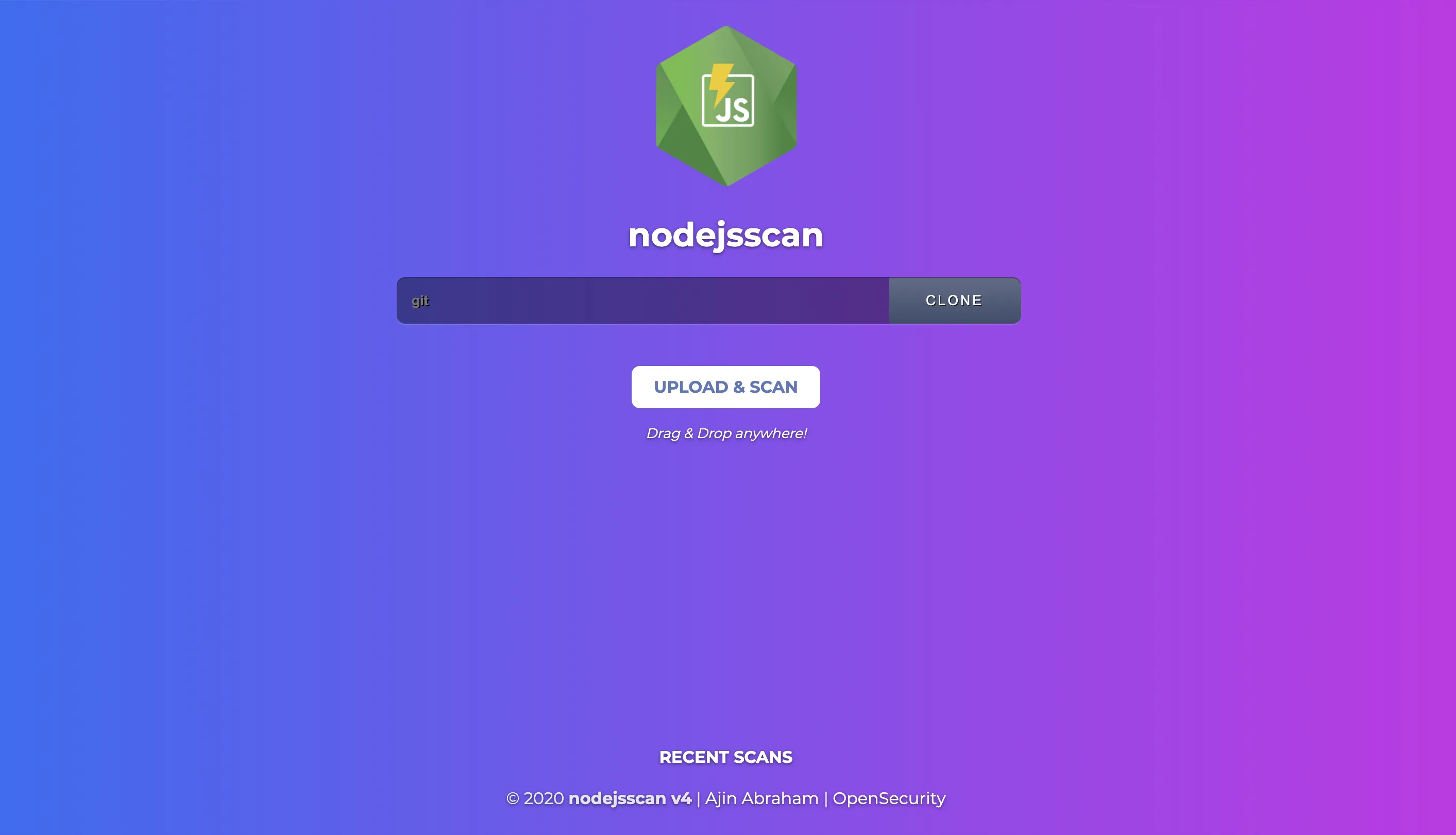
NodeJSScan provides a web interface for interactive analysis with syntax highlighting and fix guidance. The njsscan CLI integrates into CI/CD pipelines with JSON and SARIF output.
Both run semgrep-based rules instead of simple regex matching, which gives context-aware detection that understands code structure and reduces false positives compared to pattern-only scanners.
I use NodeJsScan when I need a quick SAST pass over a Node.js service without wiring up a commercial tool.
It runs as a Docker container, scans Express and Koa apps for the usual OWASP patterns, and produces a JSON report I can pipe into a PR comment. The ruleset is smaller than Semgrep’s, so I treat it as a second opinion rather than a primary scanner.
What is NodeJSScan?
NodeJSScan detects security vulnerabilities in Node.js applications through static analysis. According to Snyk’s State of Open Source Security reports, JavaScript consistently ranks among the top languages for disclosed vulnerabilities, making Node.js-specific scanning tools valuable.
The scanner targets JavaScript files (.js) and checks for patterns that indicate SQL injection, command injection, XSS, SSRF, insecure cryptography, hardcoded secrets, and more.
The tool includes checks for missing security controls like CSRF protection, rate limiting, and Helmet security headers — common gaps in Express.js applications.
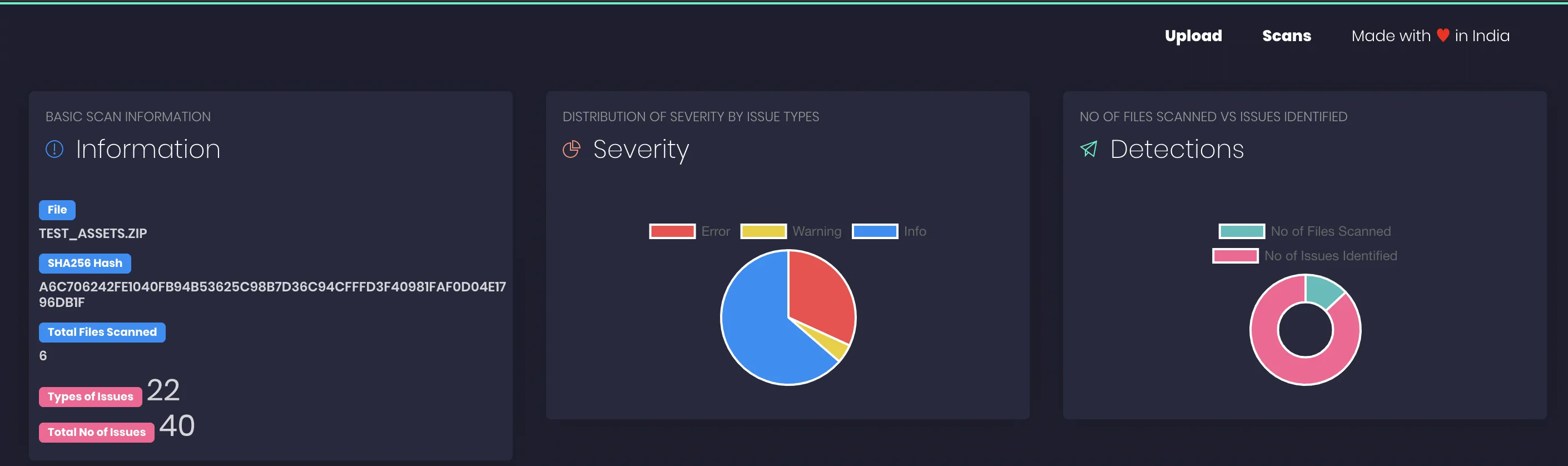
Each finding includes the file location and remediation guidance explaining why the pattern is risky and how to fix it.
Vulnerability coverage
NodeJSScan detects a range of server-side JavaScript security issues:
| Category | Examples |
|---|---|
| Injection | SQL injection, NoSQL injection, command injection, code injection |
| Data exposure | XSS, SSRF, directory traversal, information leakage |
| Crypto | Weak cryptography, hardcoded secrets, insecure random |
| Config | Missing CSRF protection, missing rate limiting, insecure Helmet headers |
| Deserialization | Insecure deserialization patterns |
How do I get started with NodeJSScan?
For the CLI, run pip install njsscan (or pipx install njsscan), then njsscan /path/to/project against a Node.js codebase, adding --sarif or --json for machine-readable output. For the web UI, run docker pull opensecurity/nodejsscan and serve it on port 9090.
In CI, use the official GitHub Action (ajinabraham/njsscan-action@master), or add pip install njsscan && njsscan . to any pipeline — the README has GitLab CI, Travis CI, and Circle CI examples.
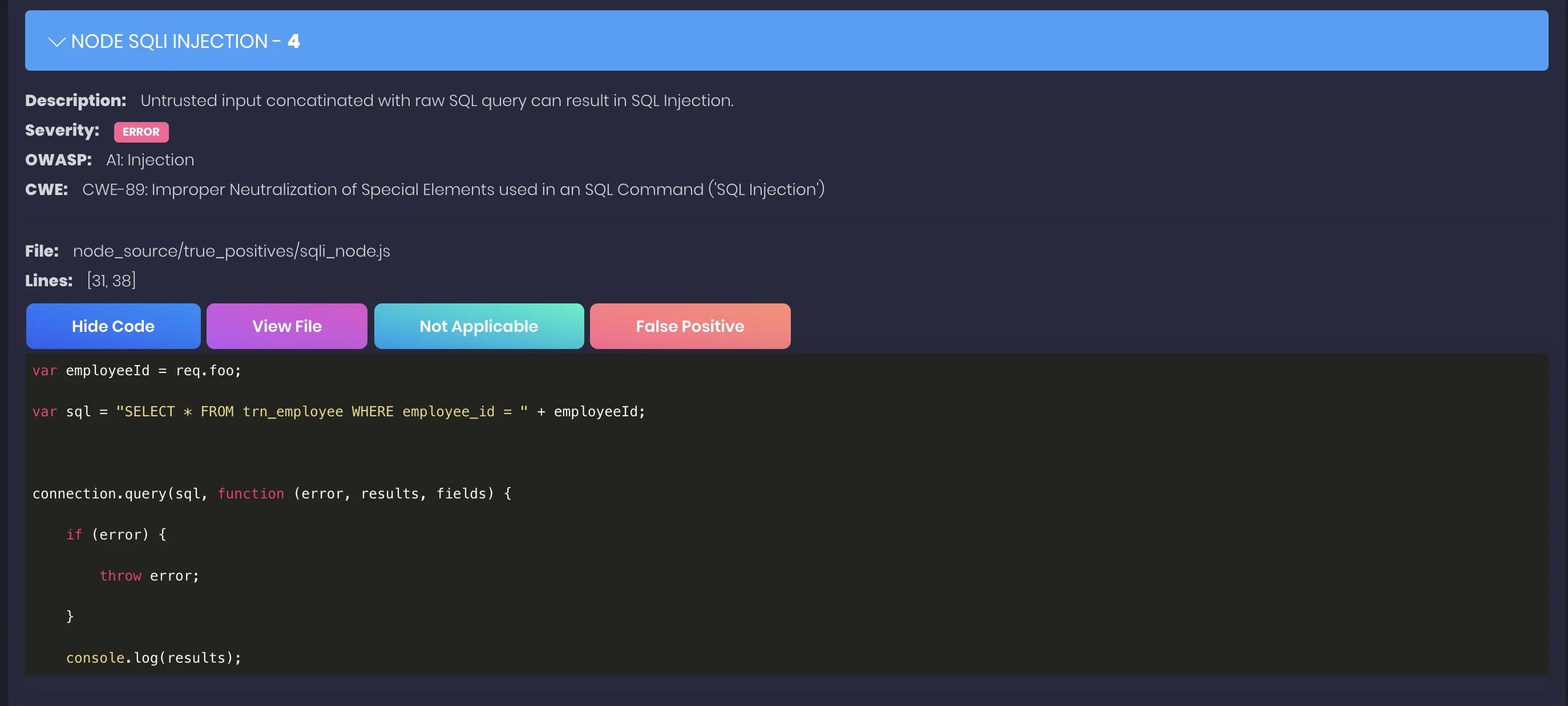
Each finding shows the vulnerable code, an explanation of the risk, and remediation guidance. Use --baseline to suppress known issues.
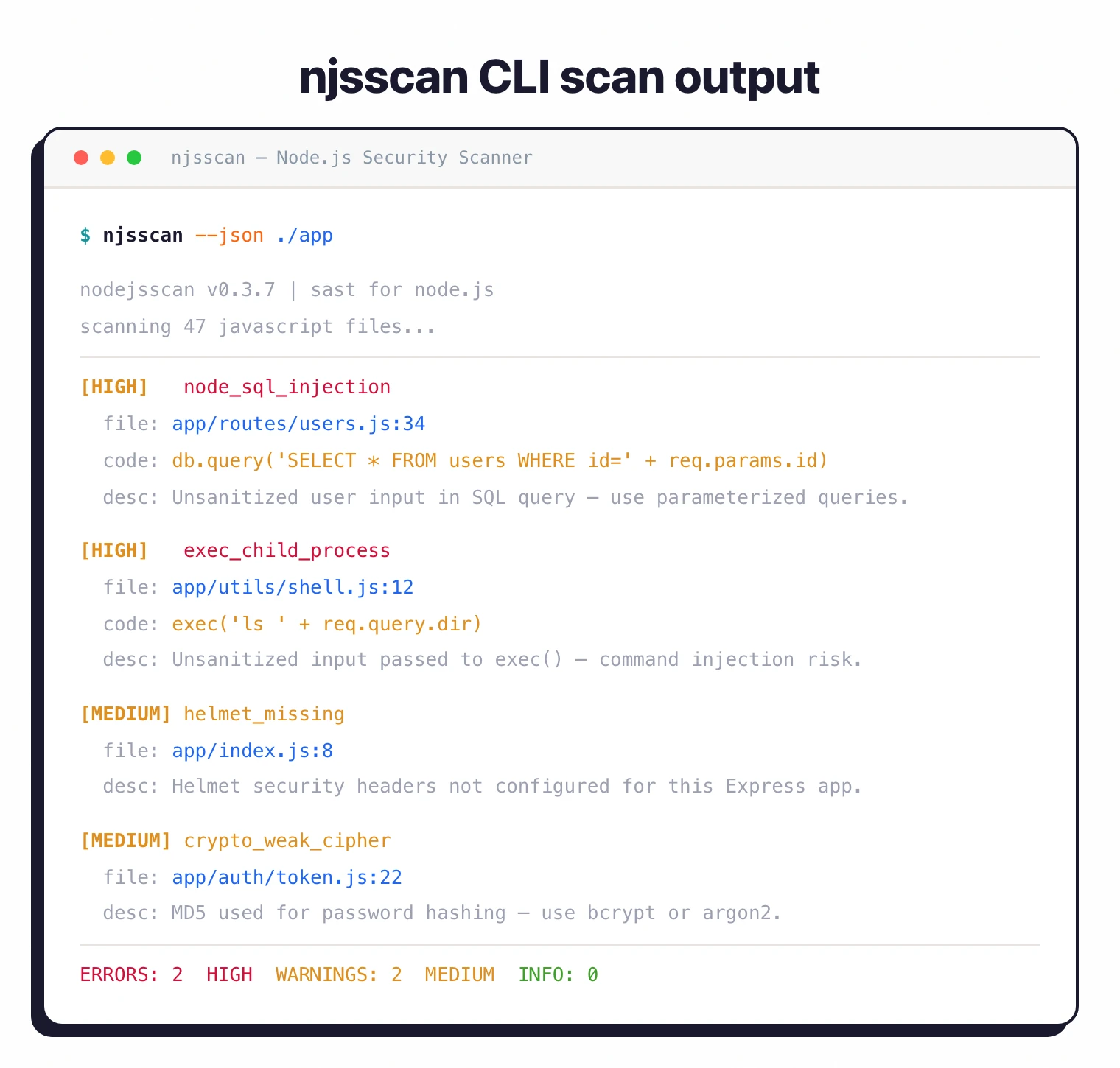
When to use NodeJSScan
NodeJSScan works well for teams building Express, Fastify, NestJS, or any Node.js backend. It catches injection flaws and insecure configurations that often slip through code review.
For broader JavaScript coverage including TypeScript and client-side code, consider Semgrep or Snyk Code . For commercial support, those tools also offer enterprise features and dashboards.
NodeJSScan vs Semgrep for Node.js
NodeJSScan and Semgrep overlap on the same problem — finding injection flaws and insecure patterns in Node.js code — but they sit at different points on the depth-versus-breadth tradeoff.
NodeJSScan ships with a Node.js-tuned default ruleset out of the box. The CLI (njsscan) and the dockerized web UI both run the same engine: YAML rules in the opensecurity/njsscan
repository, plus a thin layer of taint-style flow tracking inside a single file. There is no global configuration to tune for the common Express, Fastify, or NestJS shapes — you install, point it at the project, and act on the findings.
Semgrep covers Node.js as one of 30+ languages. The community ruleset for JavaScript and TypeScript is broad and actively maintained, custom rules are first-class through Semgrep’s own pattern syntax, and CI ergonomics tighten when the rest of the codebase already runs on Semgrep.
The practical split most teams land on: NodeJSScan on standalone Node.js projects where the framework defaults match the rule set, Semgrep when the codebase mixes languages or the security team wants to author custom rules. The two are complementary more often than they are competitive — see the SAST tools hub for the full landscape.