


Dastardly is a free DAST scanner from PortSwigger that runs the Burp Suite scanning engine in a Docker container. Give it a URL, get JUnit XML results in under 10 minutes. No API keys, no configuration files, no account required.
PortSwigger built Dastardly for one purpose: fast, high-confidence security checks in CI/CD pipelines. It does not try to be a full DAST scanner.
It finds a focused set of vulnerabilities with minimal false positives.
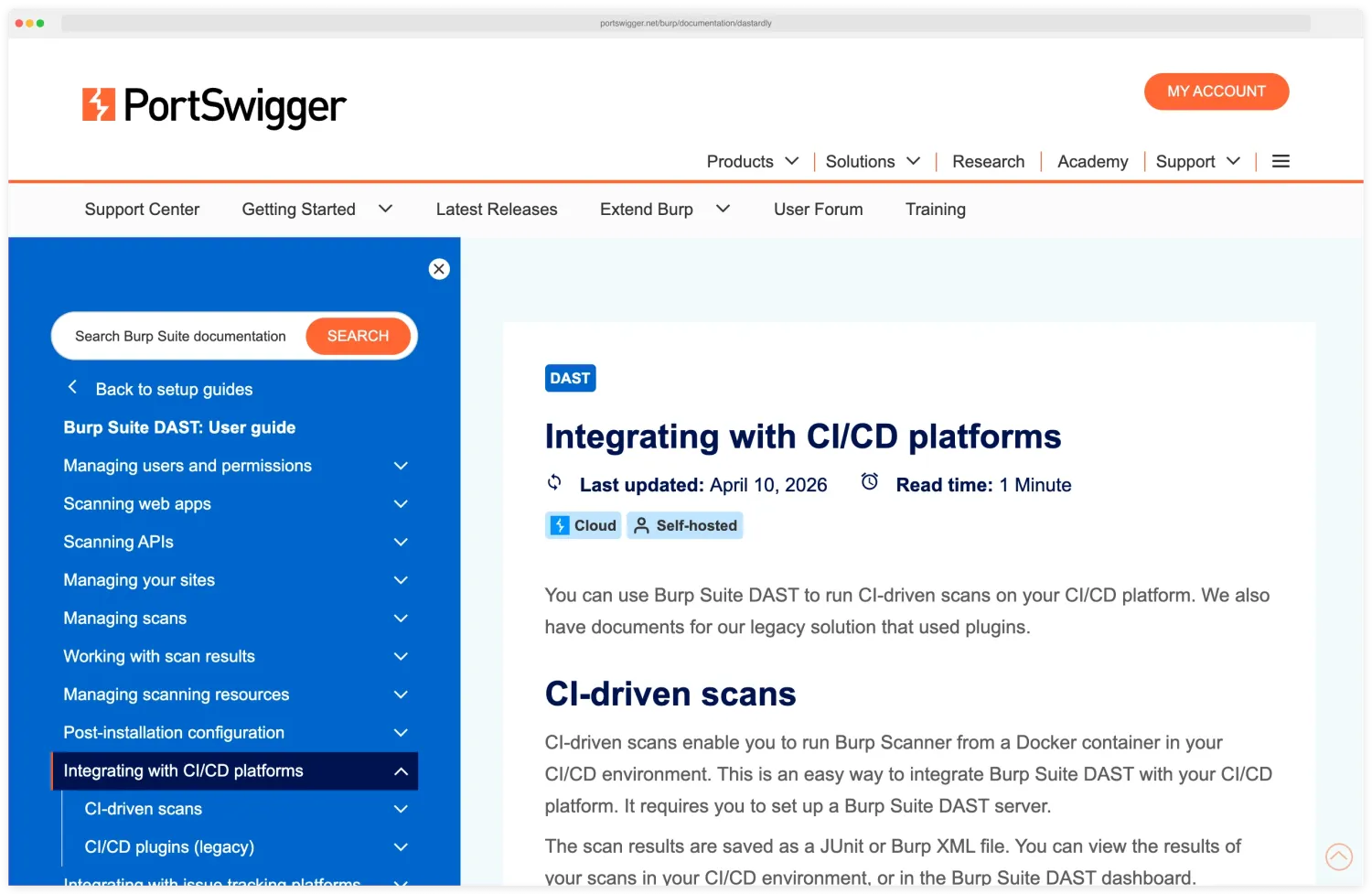
What are Dastardly’s key features?
| Feature | Details |
|---|---|
| Price | Free, no limits |
| Scan engine | Burp Suite scanner core |
| Scan time | Under 10 minutes (hard cap) |
| Output | JUnit XML |
| Deployment | Docker container |
| Configuration | Zero — just provide a target URL |
| Auth scanning | Not supported |
| API keys | Not required |
Dastardly runs the same detection logic that powers Burp Suite Professional, refined through PortSwigger’s web security research and the Web Security Academy program. Every scan finishes within 10 minutes regardless of site size, so it never becomes a build-pipeline bottleneck.
There are no config files, API keys, or account setup. Run the Docker container with a target URL and get results — that is the entire workflow.
Dastardly is a black-box scanner: it tests a running application from the outside without source-code access. It does not perform authenticated scans, full injection probing across every parameter, or API testing against REST or GraphQL endpoints.
For those broader DAST capabilities — authenticated scans, payload mutation across input vectors, and protocol-level API testing — I cover commercial scanners further down.
Vulnerability Coverage
Dastardly checks for a focused set of high-confidence vulnerability types. Reflected XSS appears in the OWASP Top 10 under injection flaws, and the Verizon DBIR consistently ranks web application attacks among the top breach vectors — so even this narrow coverage works as a useful CI/CD safety net.
| Check | Severity | What it flags |
|---|---|---|
| Reflected cross-site scripting (XSS) | High | Unescaped input reflected into responses |
| CORS misconfiguration | High | Overly permissive Access-Control-Allow-Origin |
| Vulnerable JavaScript dependencies | Medium | Known CVEs in client-side libraries |
| Content-type mismatch | Medium | MIME-sniffing attack surface |
| Multiple content types specified | Medium | Ambiguous response content type |
| HTML does not specify charset | Low | Missing charset declaration |
| Duplicate cookies set | Low | Repeated Set-Cookie headers |
The limited scope is intentional. Every reported issue is a real problem worth fixing, so Dastardly will not flood your pipeline with noise.
Dastardly does not attempt full DAST coverage. It finds the most common, highest-confidence web vulnerabilities in under 10 minutes.
For deeper scanning with authenticated testing, see Burp Suite DAST edition.
CI/CD Integration
GitHub Actions
The official action runs Dastardly on every push or pull request. Pair it with continue-on-error: true so later steps still run when the scan fails the build:
name: Security Scan
on:
  push:
    branches: [main]
  pull_request:
    branches: [main]

jobs:
  dast:
    runs-on: ubuntu-latest
    steps:
      - name: Run Dastardly
        uses: PortSwigger/dastardly-github-action@main
        with:
          target-url: "https://staging.example.com"

      - name: Upload Report
        if: always()
        uses: actions/upload-artifact@v4
        with:
          name: dastardly-report
          path: dastardly-report.xml
Docker (any CI system)
docker run --user $(id -u) --rm \
  -v $(pwd):/dastardly \
  -e BURP_START_URL=https://your-app.example.com \
  -e BURP_REPORT_FILE_PATH=/dastardly/dastardly-report.xml \
  public.ecr.aws/portswigger/dastardly:latest
The JUnit XML output works natively with Jenkins, GitHub Actions, GitLab CI, CircleCI, Azure DevOps, and virtually every other build system.
How do I get started with Dastardly?
Getting a scan running takes three steps and no configuration files. Pull the Docker image with docker pull public.ecr.aws/portswigger/dastardly:latest, then run a scan by passing your target URL and an output file path.
Read the results from the JUnit XML file, or let your CI system parse it. Each finding includes the vulnerability type, affected URL, and confidence level.
Teams that want a free, zero-friction security gate in CI/CD. Run it on every pull request. If Dastardly finds something, it is almost certainly real.
Think of it as a smoke test for web security, not a full assessment. When you need deeper scanning, upgrade to Burp Suite DAST.
What are Dastardly’s limitations?
Dastardly does not support authenticated scanning, custom scan profiles, or API specification imports. It cannot test pages behind login forms.
The 10-minute cap means large applications get incomplete coverage. It checks a narrow set of vulnerability types compared to full DAST tools .
For authenticated scanning, API testing, or full OWASP Top 10 coverage, you need a commercial DAST tool like Acunetix or Invicti .
My free DAST tools guide covers other no-cost options, including ZAP , which offers broader coverage. Dastardly is the entry point, not the replacement.
What are alternatives to Dastardly?
If Dastardly’s narrow coverage or unauthenticated-only scope blocks you, these are the alternatives I’d consider in the DAST tools landscape :
- ZAP — The free OWASP scanner. Broader vulnerability coverage than Dastardly, supports authenticated scans, and handles API testing via OpenAPI imports. Heavier setup and longer scan times, but no usage cap.
- Nuclei — Template-based scanner that runs YAML-defined checks across HTTP, DNS, TCP, and headless targets. Fastest CI option when you have a curated template set, though it is not a crawler-driven web scanner.
- Burp Suite Professional — Same engine as Dastardly with the full feature set: authenticated scans, manual proxy testing, extensions, and session handling. Per-user annual license — verify pricing on portswigger.net before budgeting.
- StackHawk — CI-native DAST with API-spec imports and PR-blocking gates. Built for engineering teams that want a managed product around the ZAP engine.
- Invicti — Enterprise DAST with proof-based scanning. A different price tier from Dastardly, but the right fit when you need authenticated coverage and compliance reporting at scale.